Use the Features section of the Categories & Features tab to select category-specific features. This helps buyers understand your product’s functionality and ensures that G2 reviewers rate your product accurately.
Basics of Features
Where features appear on your product profile
The Features tab shows only verified features, grouped by category. Select View More Features to see the complete list of verified features.
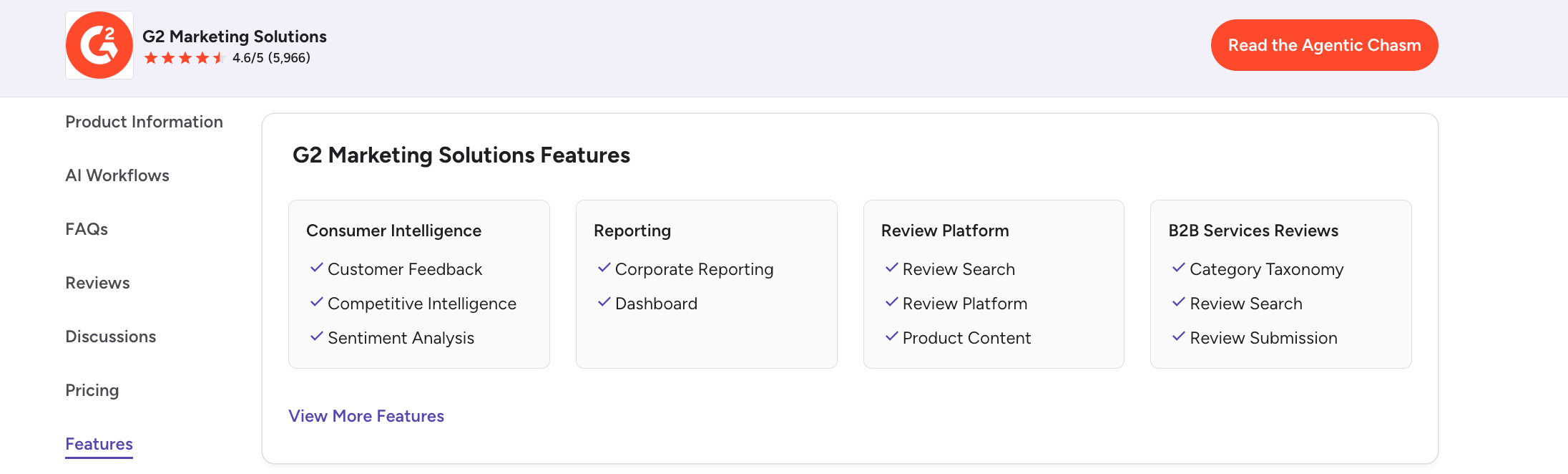
After selecting your features, your product must receive at least 10 review responses to feature related questions before the Features tab appears on your profile.
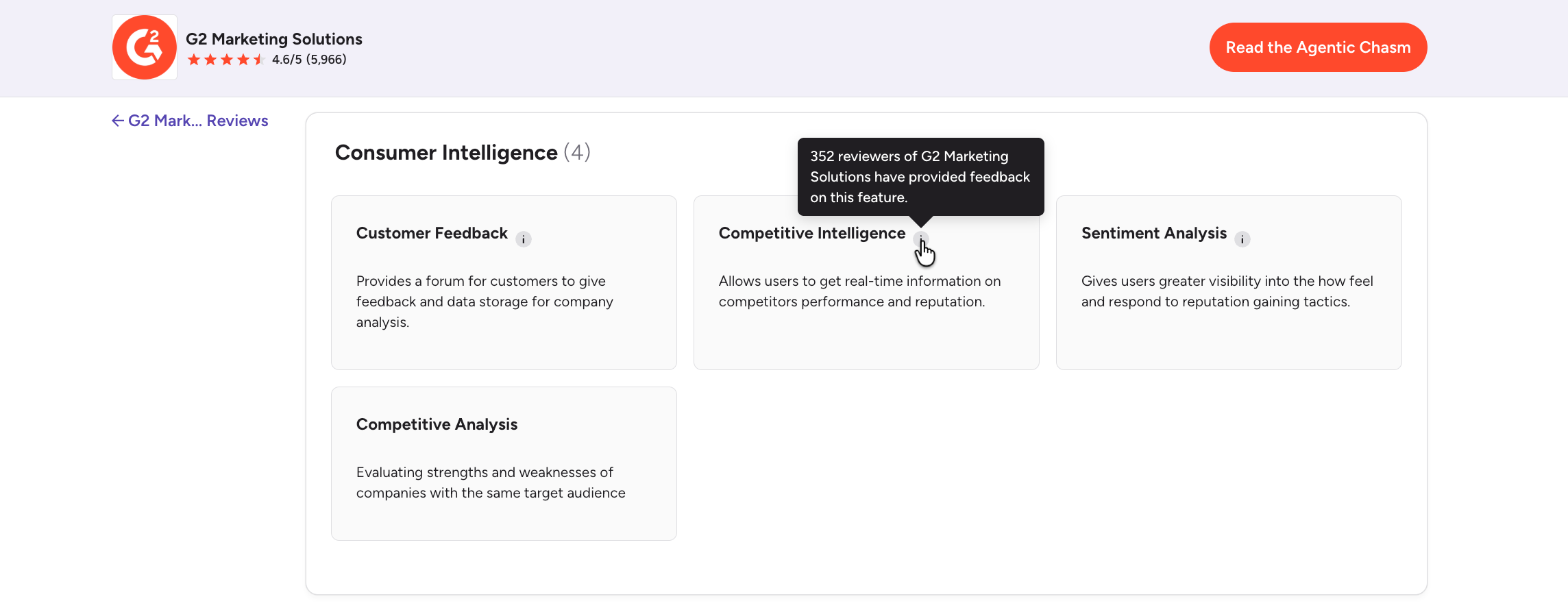
Hover over the info icon next to a feature to see how many reviews mention it.
Managing your features in my.G2
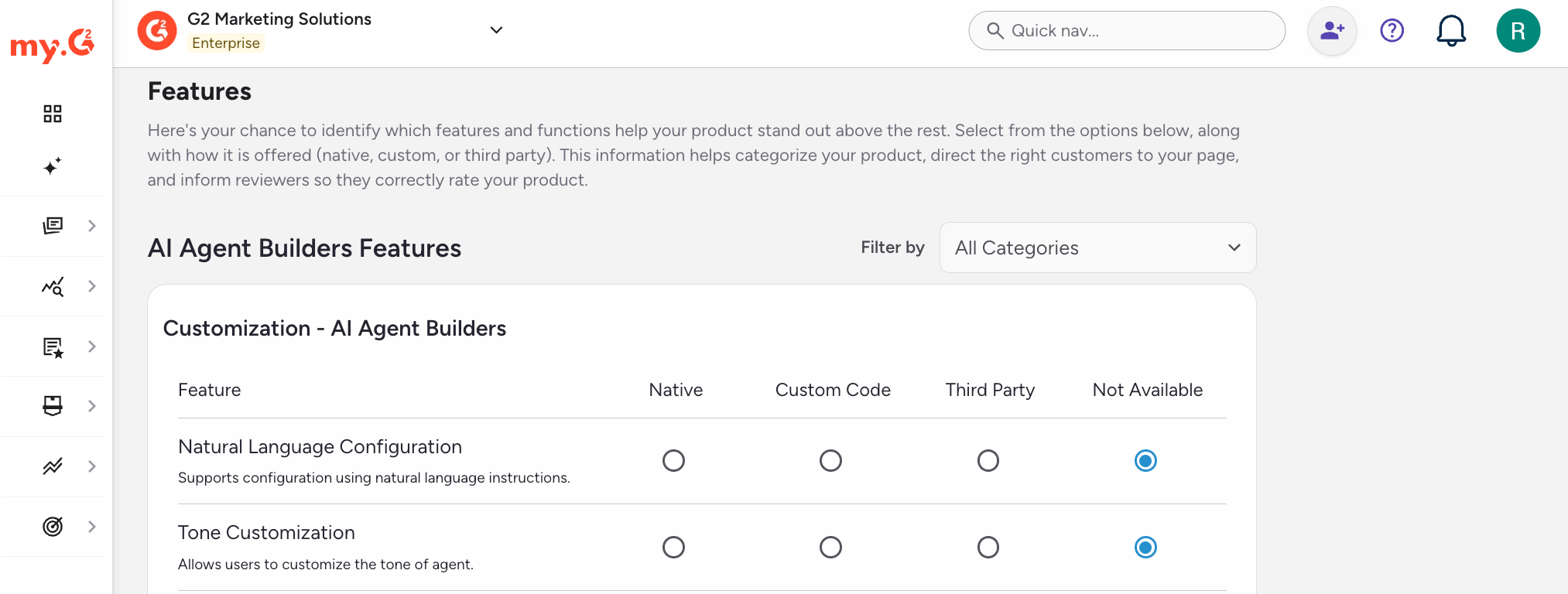
To manage your features:
- Go to my.G2, then select Listings > Manage Listings > Cross-Marketplaces > Categories & Features.
- (Optional) In the Features section, use the Filter by dropdown to show the features for one category.
- For each feature, select the feature format that best describes how your product offers it.
Feature formats include the following:
| Feature format | Description |
|---|---|
| Native | The feature is available out-of-the-box with your product. No customizations or integrations are required for a product user. |
| Custom Code | The feature is available, but only to product users that build the feature themselves via custom code. |
| Third Party | The feature is available via a third-party integration or application. |
| Not Available | The feature is not available with your product. |
- Select Save.