Review Refresh enables you to request updated reviews from your existing reviewers through a simplified form. It helps you maintain a current, trusted presence on G2 and improves review recency and visibility in G2 filters.
Basics of Review Refresh
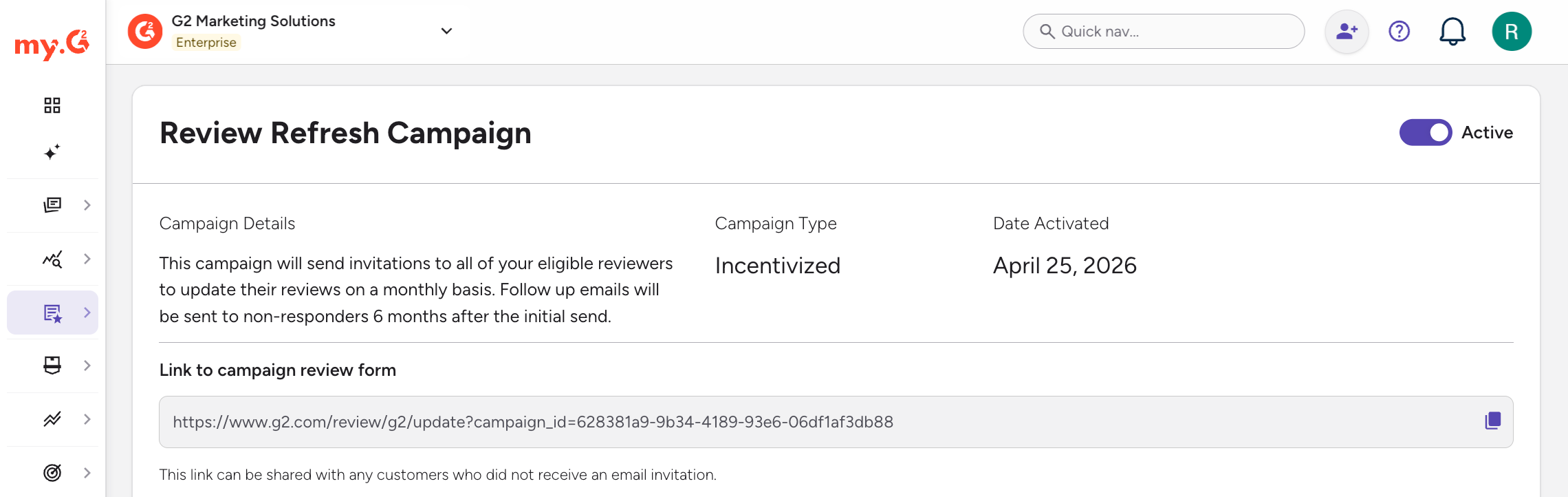
Each product has only one Review Refresh campaign. Once you activate it, the campaign is "Always On": G2 recalculates reviewer eligibility every month and automatically sends refresh emails on that cadence for as long as the campaign stays active.
G2 sends an initial email to eligible reviewers, then follows up with non-responders six months later. The send date is fixed by your original start date.
Refreshing reviews improves your review recency metric.
When a reviewer updates their existing review, the review decay resets and the review regains scoring weight.
Eligible reviewers
You can request a refresh for reviews submitted between seven months and four years ago. Updated reviews keep the original content and add new feedback.
Each reviewer can only be contacted once every six months, even if you change the incentive type between sends. G2 handles resends automatically, so reviewers become eligible again when the six-month cooldown ends.
Reviewers are automatically excluded if they no longer have a G2 account, previously unsubscribed from review requests, were flagged as spam, use a free email domain, or are restricted by privacy regulations. Eligibility checks and the cooldown may reduce the final reviewer list compared to your total number of decayed reviews.
Incentives
Refreshed reviews qualify for incentives, even if the original review was rewarded.
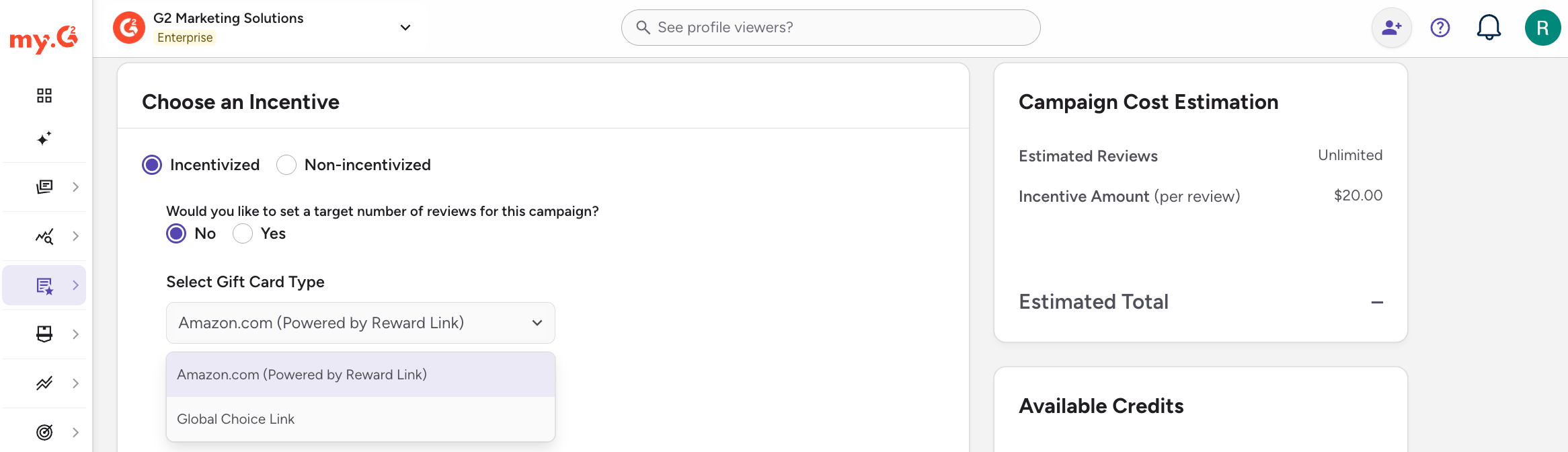
If you enable incentives:
- Reviewers can earn an Amazon.com or Global Choice gift card for completing the refresh. Both options give reviewers access to 100+ global gift card brands.
- Choose a gift card amount from the denominations available for the gift card type you select.
- Incentivized campaigns require a minimum budget allocation of $5,000.
If your incentive budget runs out before all eligible reviewers are contacted, remaining reviewers automatically see the non-incentivized version of the refresh request. The campaign keeps running without interruption.
What reviewers receive
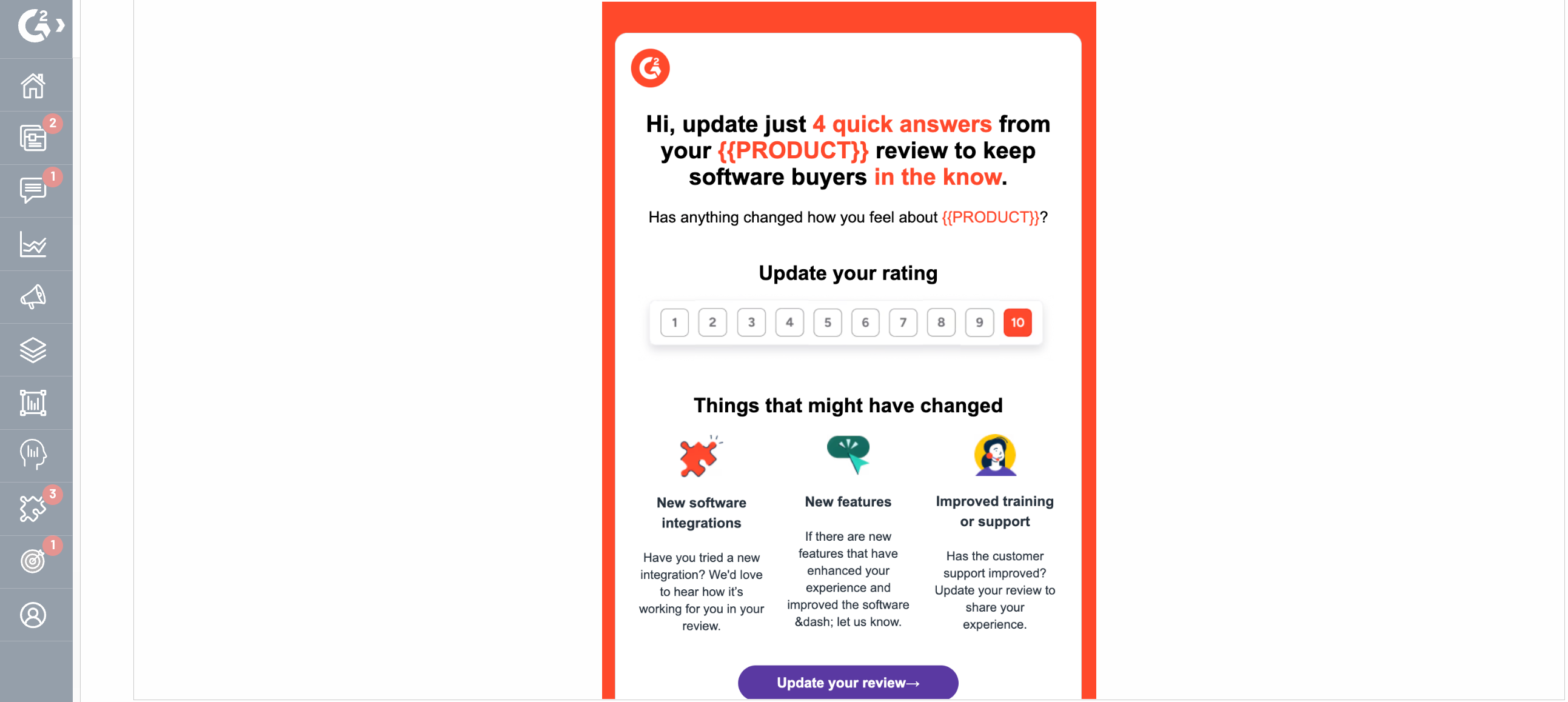
Reviewers receive an email request with a secure login link. The refresh form asks for an updated rating, details about what has changed or could improve, and any new product categories. Reviewers can also select I no longer use this product to opt out.
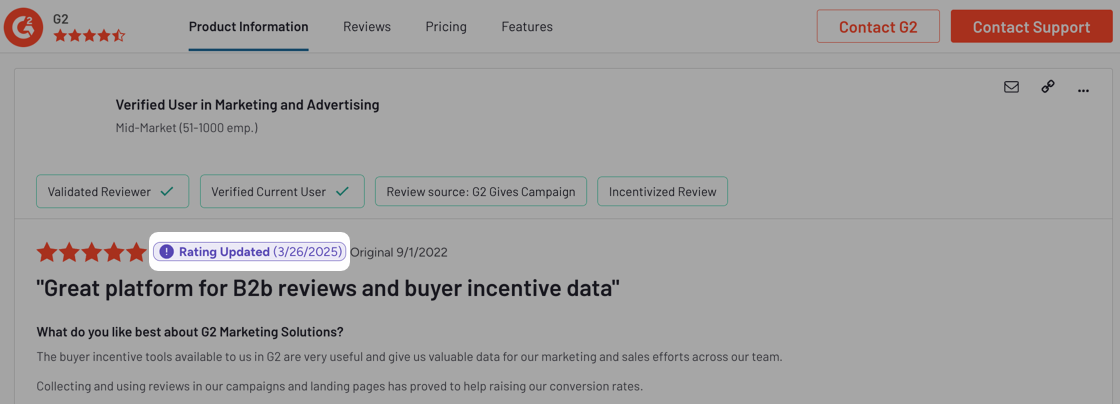
Updated reviews appear on G2.com with an updated timestamp.
Creating a Review Refresh campaign
-
Go to my.G2, then select Reviews > Collect Reviews. In the Review Refresh panel, select Set Up Campaign.
-
In the Choose an Incentive panel, select Incentivized or Non-incentivized.
-
If you selected Incentivized, choose whether to set a target number of reviews, then select the Gift Card Type and Gift Card Amount.
-
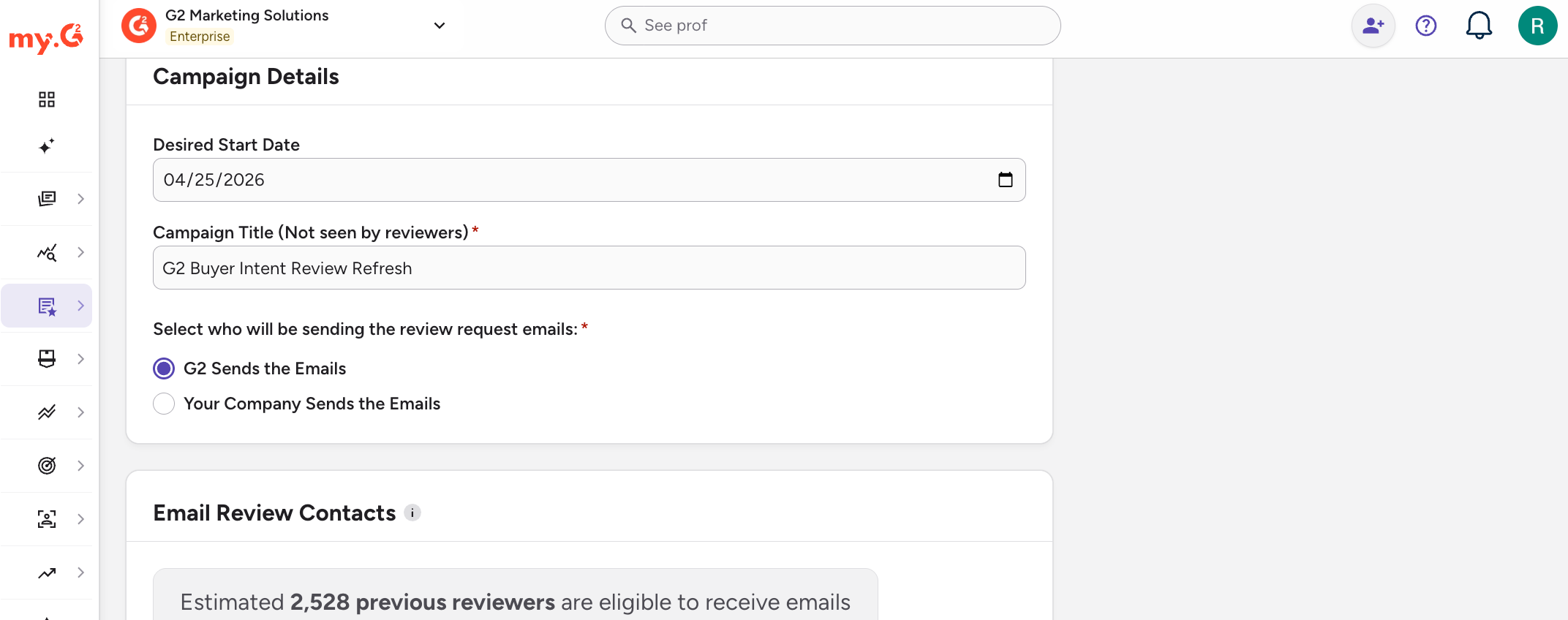
In the Campaign Details panel, enter the Desired Start Date and Campaign Title, then select who sends the review request emails: G2 Sends the Emails or Your Company Sends the Emails.
-
Check the estimate of eligible previous reviewers in the Email Review Contacts panel and the incentivized and non-incentivized templates in the Email Previews panel.
-
Select Checkout.
-
On the review page, confirm your campaign details. In the Payment Method panel, select Invoice Me, or select Add Credit Card to add a new card.
For more information on payment methods and credits, refer to the Campaign Dashboard documentation.
-
Select Launch Campaign.
Your campaign goes live as soon as you launch it. You won't receive a confirmation notification.
The date shown on the dashboard doesn't update if you deactivate and later reactivate the campaign. If you notice a mismatch, contact your G2 representative.
Managing a Review Refresh campaign
Using your campaign link
To copy your campaign link, select See Campaign in the Review Refresh panel, then copy the Link to campaign review form. You can share the link with customers who didn't receive an email invitation.
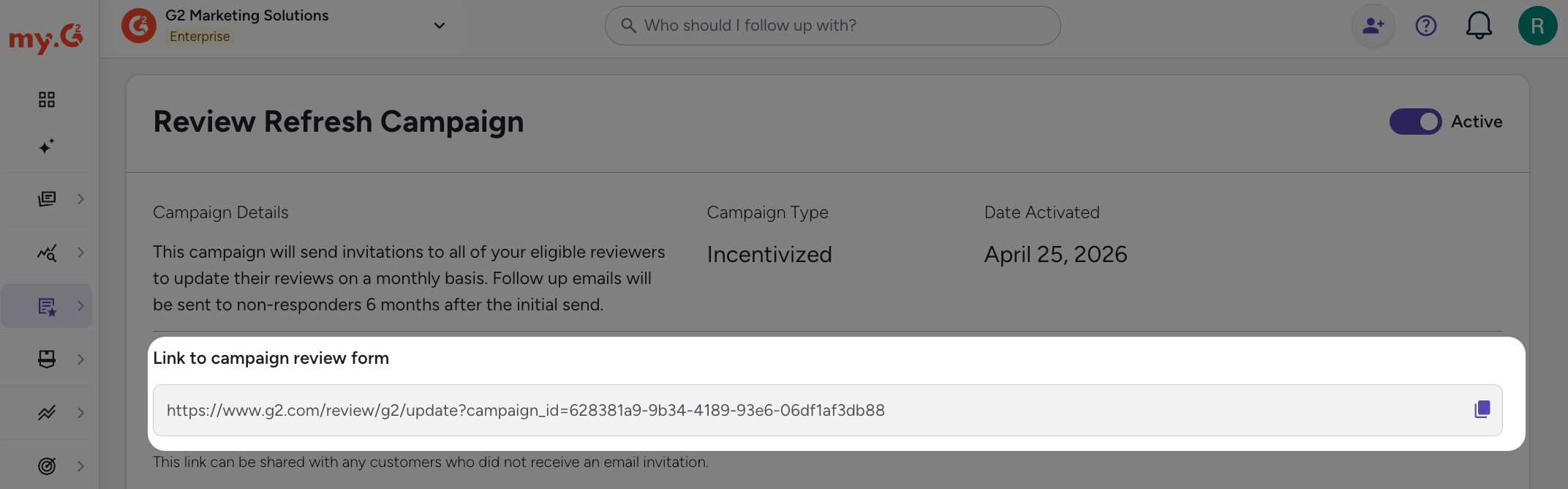
While a campaign is active, its campaign link works for existing reviewers who log in with a matching email. Visitors who aren't past reviewers go to the standard review form instead.
If you deactivate the campaign, the link still works. It no longer tracks visits back to the campaign or supports incentives.
Each product has one campaign link, tied to its single Review Refresh campaign.
Editing or deactivating a campaign
To open your campaign, go to my.G2, then select Reviews > Collect Reviews. In the Review Refresh panel, select See Campaign.
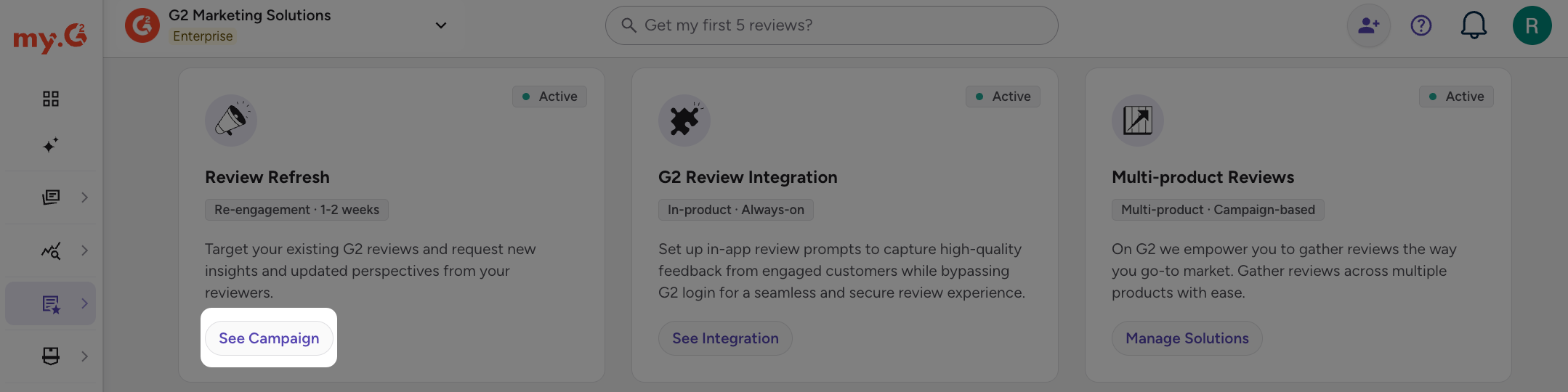
To edit the campaign, select Edit Campaign. To deactivate it, switch the toggle in the Review Refresh Campaign panel to Inactive.
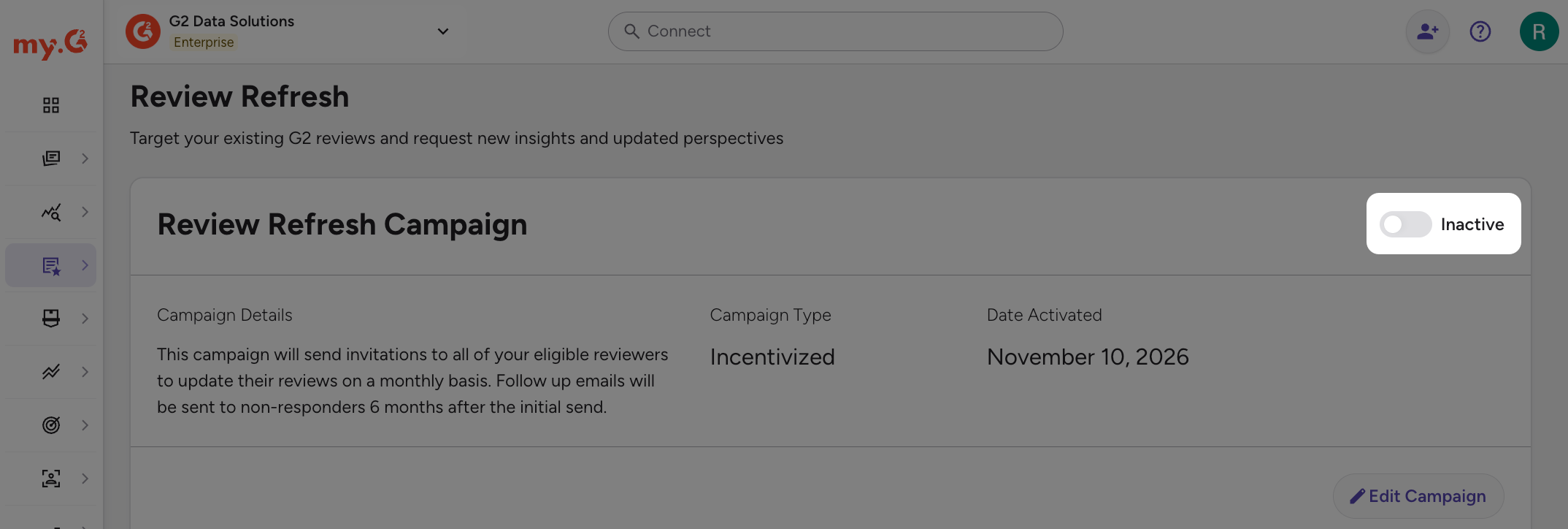
Deactivating cancels all future sends. It doesn't delete or reset the campaign. If you reactivate it, the next send is set for one month after your last send, or for the next applicable date if that date has already passed.
Monitoring campaign performance
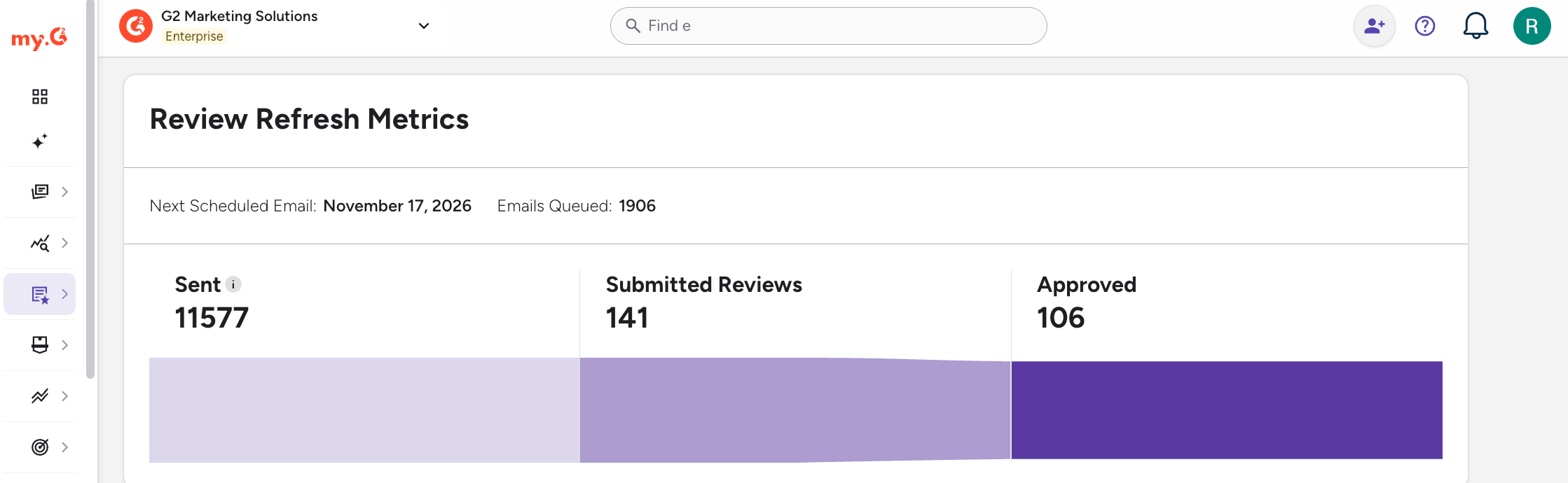
After launch, track progress in the Review Refresh Metrics panel:
- Next Scheduled Email shows the date of the next send.
- Emails Queued shows how many reviewers are lined up for the next scheduled send.
- Sent shows reviewers queued for delivery, not confirmed delivery.
- Submitted Reviews counts completed refresh forms.
- Approved counts submitted reviews that passed G2's moderation.
G2 applies more filters before emails go out, such as marketable status, previous bounces, and recent email activity. The number of reviewers who receive the email may be lower than the Sent count. Bounce and non-delivery data isn't available to customers.
Because each product has one Review Refresh campaign, the metrics are cumulative across its full history, including past active and inactive periods.
The campaign automatically includes all eligible reviewers, and submitted reviews appear in Review Activity with all your other reviews.